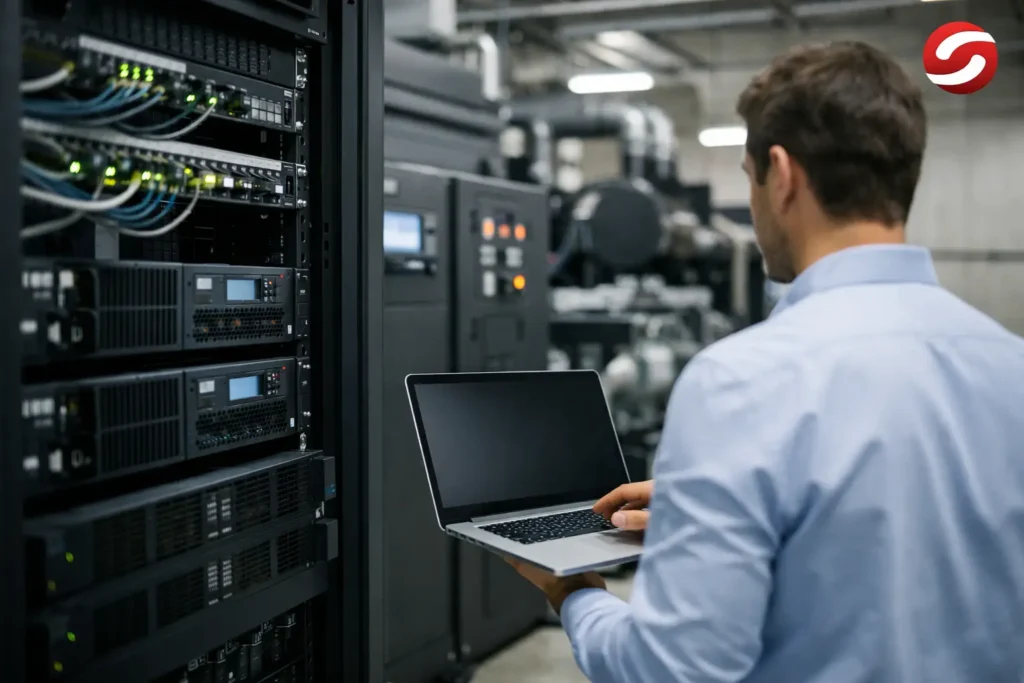
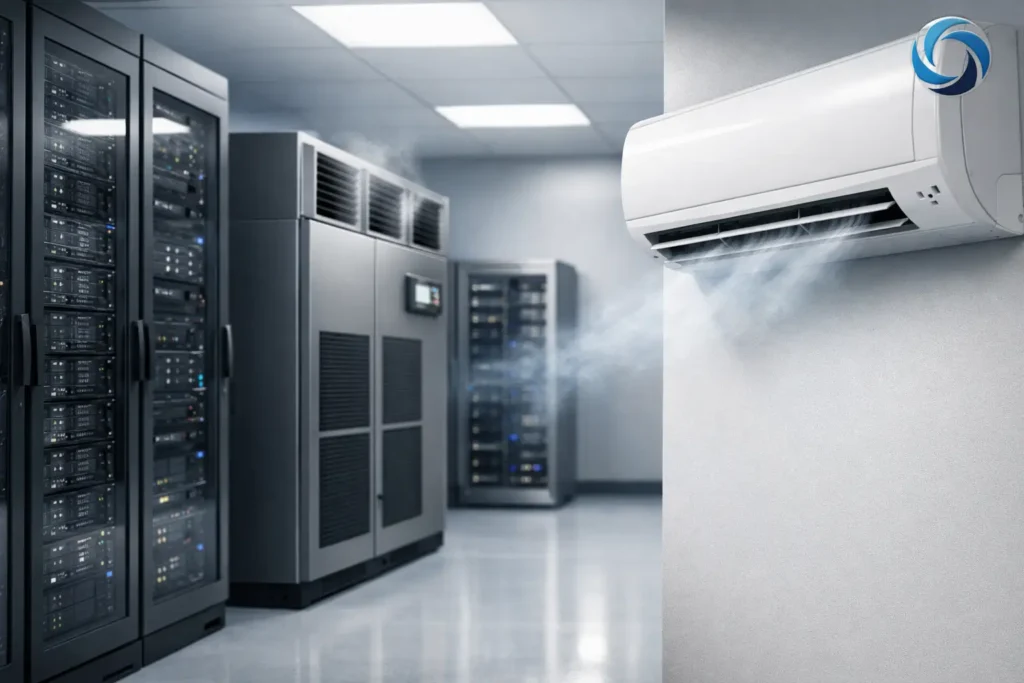
A server room rarely fails because of a single major fault. More often, the problem begins with rising temperatures inside a rack, localized overheating of a device, or an air-conditioning unit that lacks sufficient capacity when it is needed most. That is why air conditioning for server rooms is not simply a comfort feature within a building it is a critical part of the IT and energy infrastructure.
For companies that depend on ERP systems, production controllers, telecommunications, video surveillance, warehouse management platforms, or local data systems, every interruption comes at a cost. This cost extends far beyond equipment replacement. Downtime can stop production, slow logistics, compromise data, and damage customer relationships. A properly engineered cooling system reduces these risks and protects the investment throughout the entire system lifecycle.
Why Conventional Air Conditioning Is Not a Solution for Critical Rooms
Comfort air conditioning is designed for spaces occupied by people. Loads vary throughout the day, systems often operate seasonally, and a short interruption usually has no serious consequences. A server room operates under completely different conditions: the heat load is continuous, often concentrated within a small area, and present 24 hours a day, 365 days a year.
IT equipment generates heat even when the office is closed. UPS units, network switches, storage systems, and servers add to the thermal load, while enclosed rack cabinets can develop localized hot spots that a wall-mounted sensor may fail to detect. If the cooling system responds only to the average room temperature, critical equipment may already be operating outside recommended conditions.
Temperature is not the only concern. Humidity, airflow, filtration, equipment layout, maintenance access, and system response during a utility power failure all directly affect reliability. Cooling design should therefore never be reduced to selecting an air-conditioning unit based solely on room size.
Air Conditioning for Server Rooms Starts with a Load Calculation
A reliable system is sized according to actual heat dissipation rather than assumptions. The calculation should include the power consumption of active IT equipment, UPS systems and batteries, lighting, personnel who occasionally work in the room, as well as heat gains through walls, ceilings, and potential solar exposure. In a small single-rack installation, an inaccurate estimate may initially seem insignificant. With multiple racks, higher-capacity UPS systems, or rooms without natural ventilation, the same error can quickly become an operational risk.
As a practical principle, almost all electrical energy consumed by IT equipment is ultimately converted into heat. However, cooling capacity should not be selected solely according to the current total electrical load. Future equipment expansion, operation under extreme outdoor conditions, the failure of one cooling unit, and maintenance requirements must also be considered.
The design process should therefore address several key questions:
- How much heat is currently generated by servers, network equipment, UPS systems, and batteries?
- How much IT load growth is expected over the next three to five years?
- Is N+1 redundant capacity required, or is a single system sufficient?
- How is cool air delivered to the equipment, and how is hot air returned to the cooling unit?
- What happens during a utility power outage or if one cooling unit fails?
The answers determine the appropriate system architecture. In a small server room, two independent units operating in rotation may be a rational solution. Larger IT rooms and data centers are more likely to require precision cooling systems, zoning, rack-level monitoring, and integration with power management infrastructure.
Redundancy Is Not a Luxury When Continuous Operation Is Required
A single air-conditioning unit with sufficient capacity may maintain the required temperature under normal conditions. However, this approach leaves the room unprotected during equipment failure, scheduled maintenance, or reduced cooling performance during extreme outdoor temperatures. For systems where downtime is unacceptable, the N+1 principle is commonly applied: the required cooling capacity is provided by multiple units, with at least one additional unit available as backup.
Two units do not need to operate continuously at full capacity. They can automatically alternate to balance operating hours, while the standby unit activates if temperatures rise or the primary unit reports a fault. This extends equipment life, maintains cooling continuity, and makes scheduled maintenance easier to manage.
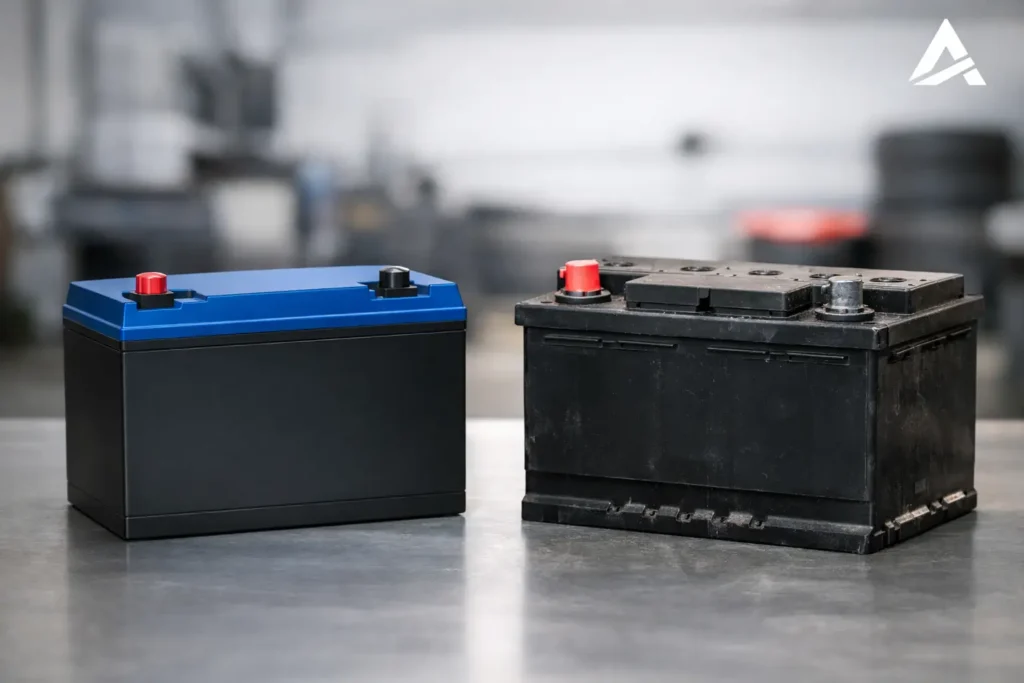
However, cooling redundancy alone is not enough if backup power has not been addressed. Server room cooling must form part of the overall business continuity and backup power concept, together with the UPS, generator, electrical distribution, automation, and load priorities. In some facilities, supplying the full cooling capacity through a UPS is not economically justified, but a controlled transition until the generator starts must still be ensured. This decision should be based on an analysis of backup autonomy, the room’s thermal inertia, and the criticality of the IT load.
Airflow Is Just as Important as Cooling Capacity
Having sufficient kilowatts of cooling capacity does not guarantee effective cooling. If hot and cold air streams mix, part of the cooling capacity is wasted without effectively removing heat from the equipment. The result is the formation of hot spots, particularly at the top of rack cabinets or around high-density equipment.
The basic principle is straightforward: cool air should be delivered to the equipment intake, while hot exhaust air should be directed back toward the cooling unit. In rows of server racks, this is achieved through hot and cold aisle arrangements. For individual cabinets, proper positioning of indoor cooling units, blanking unused rack spaces, and preventing hot exhaust air from recirculating into equipment intakes are particularly important.
Cable penetrations, suspended ceilings, and openings around installations also require careful attention. Uncontrolled infiltration of warm air from adjacent rooms can significantly reduce system efficiency. Effective air distribution can often deliver better results than simply increasing cooling capacity, while also reducing electricity consumption.
Temperature and Humidity: Colder Is Not Always Better
Excessive cooling creates unnecessary energy costs and, under unfavorable conditions, can increase the risk of condensation. The objective is to maintain stable temperatures within the equipment manufacturer’s recommended operating range, together with appropriate relative humidity. Exact values depend on the type of IT equipment, design requirements, and applicable standards, but long-term stability is essential.
Sensors should be installed where risks actually occur, rather than simply where installation is most convenient. Measurements at rack inlets, at multiple vertical levels, and in the return airflow provide a more accurate picture than a single wall-mounted thermostat. For critical systems, battery temperature should also be monitored, as ambient conditions have a significant impact on battery service life.
Monitoring Turns a Potential Failure into a Timely Intervention
When a server room loses cooling, the available response time is limited. Monitoring systems should therefore detect rising temperatures, power loss, air-conditioning alarms, open doors, condensate leaks, and, where required, smoke or water ingress. Alerts must reach the responsible personnel immediately rather than relying on someone noticing the problem by chance.
Integration with BMS, DCIM, or technical monitoring platforms is particularly valuable for organizations operating multiple sites. Management gains visibility into energy consumption trends, equipment operation, and alarm events, while maintenance teams can respond before an issue develops into an outage. These data also support better investment planning by showing when the existing infrastructure is approaching its capacity limits.
Preventive maintenance remains essential. Filter cleaning, condensate drain inspections, refrigerant circuit checks, automatic failover testing, and alarm contact verification help prevent failures that often occur precisely when outdoor temperatures are at their highest.
TCO Determines Whether the Solution Is Truly Cost-Effective
The lowest initial purchase price often results in a more expensive system over its operating life. Server room cooling operates continuously, meaning that part-load efficiency, control quality, service availability, and the lifespan of critical components directly influence the Total Cost of Ownership.
When selecting equipment, companies should evaluate electricity consumption, expected annual operating hours, regular maintenance costs, spare parts availability, and the consequences of unplanned downtime. It is also important to consider how the cooling system integrates with the facility’s wider energy infrastructure. Solar power, BESS, UPS systems, and diesel generators address different challenges, but when properly integrated they can improve energy resilience and optimize the cost of supplying critical loads.
Energize approaches these projects as a single integrated engineering task—from load assessment and system design to equipment selection, installation, and integration of cooling with UPS systems, generators, and monitoring platforms. This gives the client a single point of responsibility for infrastructure that must operate without compromise.
A server room may occupy only a small area, but it can be one of the most critical spaces within a company. When planning IT capacity expansion, facility reconstruction, or energy infrastructure modernization, cooling should be assessed before rising temperatures become a business problem.